
Microsoft Copilot is an AI-driven assistant that enhances productivity by providing real-time suggestions and interactive features across Microsoft applications, making tasks easier and more efficient for users.
Microsoft Copilot is transforming user interactions by adding an engaging visual layer to digital conversations. Have you tried it yet?
Understanding the new features of Microsoft Copilot
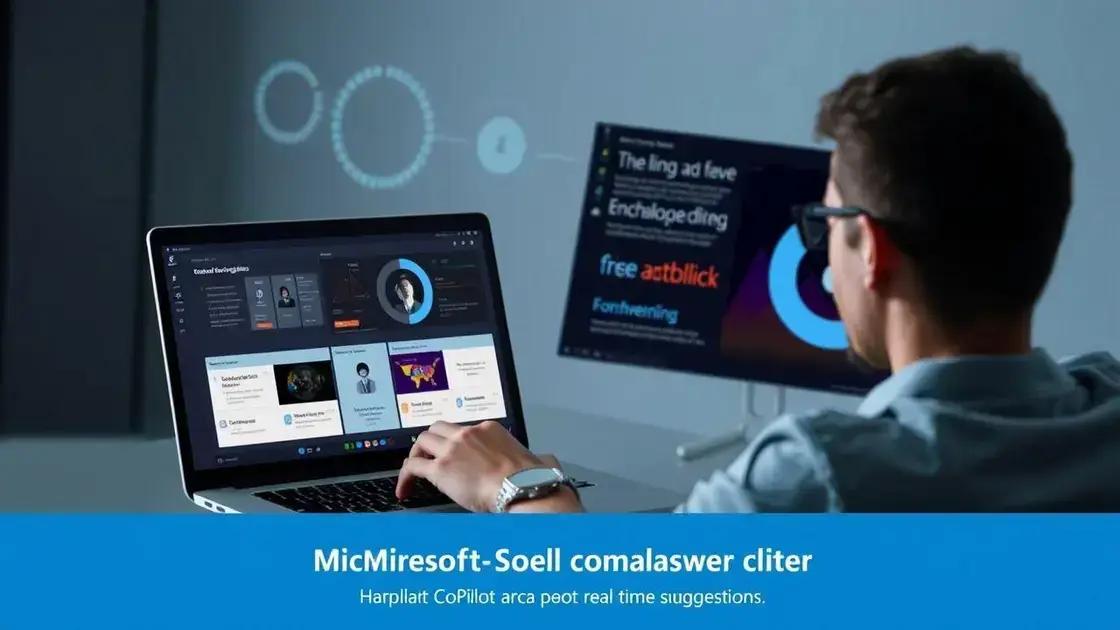
Microsoft Copilot is packed with innovative features that truly enhance user experience. Understanding these features can help users maximize their productivity in everyday tasks. Copilot integrates seamlessly with various applications to provide real-time suggestions and interactive assistance.
Real-time Suggestions
One of the standout features of Microsoft Copilot is its ability to offer real-time suggestions. As users type or create documents, Copilot analyzes the content and provides relevant recommendations. This can range from correcting grammar to suggesting additional phrases that could improve clarity.
Collaborative Tools
Copilot enhances collaboration by allowing multiple users to interact with documents simultaneously. This means that teams can receive feedback and make decisions faster. The collaborative tools present in Copilot encourage a smooth workflow, ensuring that everyone stays on the same page.
Customizable Responses
Another exciting aspect of Copilot is its ability to learn from user interactions. This means that the customizable responses become more aligned with individual preferences over time. Users can tweak how Copilot interacts with them, making the experience more tailored and efficient.
Enhanced Visual Interactions
With visual interactions becoming increasingly important, Copilot includes features that incorporate enhanced visual elements. This can involve icons, animated cues, or even data visualizations that help convey information more effectively. Visuals guide users through complex data, making it more accessible.
Integration with Other Tools
Lastly, Microsoft Copilot boasts an impressive integration with other Microsoft tools, enriching its functionality. By bridging various applications, it supplements user capabilities with additional features that improve productivity and streamline tasks.
The impact of real-time expressions on user experience
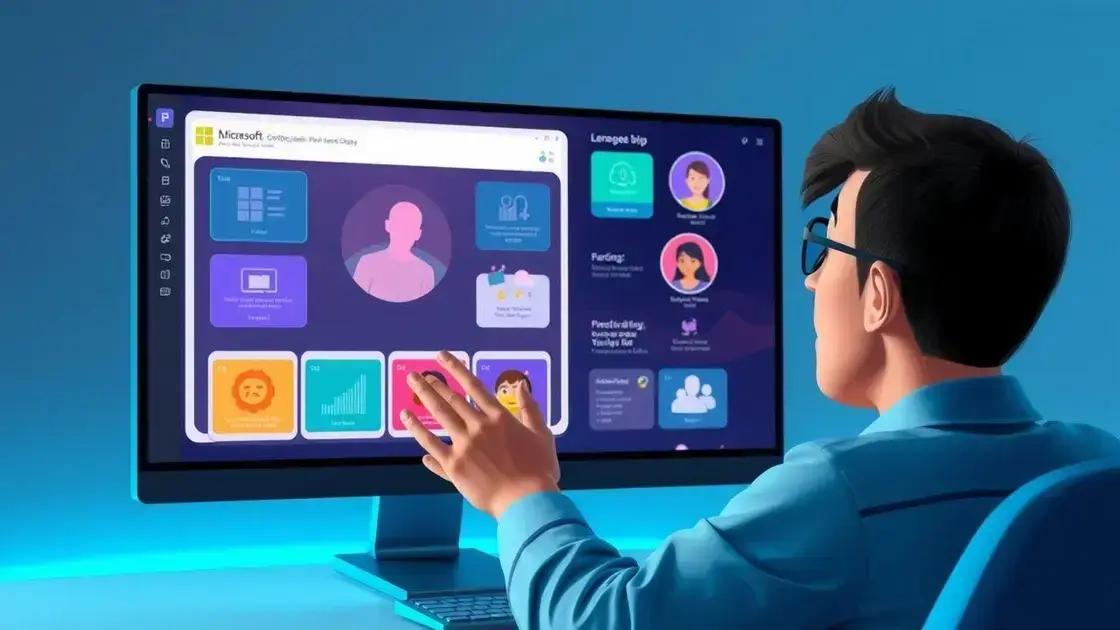
The introduction of real-time expressions in Microsoft Copilot marks a significant advancement in user experience. These expressions make interactions more engaging and dynamic, enhancing the overall way users communicate with technology.
Improved Communication
Real-time expressions facilitate better communication between users and the application. By providing visual feedback, users can quickly understand how their input is being interpreted, which helps in reducing errors and misunderstandings.
Increased Engagement
When users see lively and interactive elements, their level of engagement increases. This makes tasks feel more intuitive and enjoyable. Users are more likely to explore and utilize the features of the tool when there are captivating responses to their actions.
Enhanced Learning Experience
Real-time expressions also contribute to an enhanced learning experience. Users can gain insights and recommendations as they work, turning tasks into learning opportunities. This immediate feedback loop helps users adapt and improve their processes.
Emotional Connection
By incorporating real-time visual elements, Microsoft Copilot can create a sense of emotional connection with users. Feelings of satisfaction arise as users see animations and responses that reflect their actions, making technology feel more human-like.
Impact on Productivity
Ultimately, the integration of real-time expressions leads to higher productivity levels. When users feel more connected and engaged, they are likely to complete tasks more efficiently, maximizing their overall effectiveness.
Exploring the history of AI assistants at Microsoft
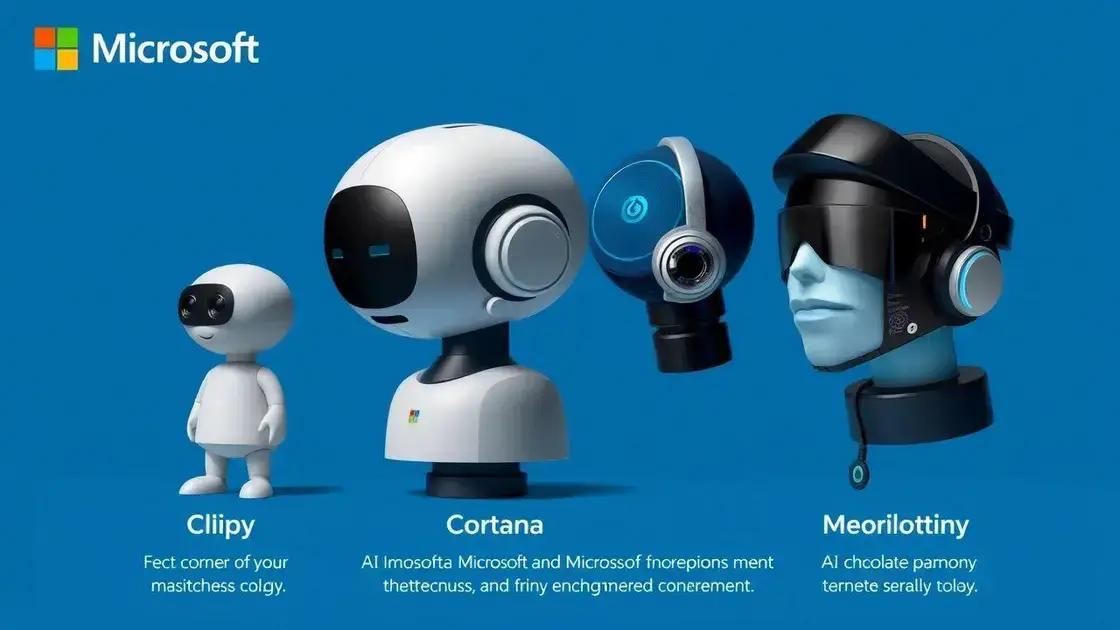
The history of AI assistants at Microsoft offers a fascinating glimpse into the evolution of technological innovation. Microsoft has been at the forefront of artificial intelligence development for decades, shaping how users interact with technology.
The Beginning of AI at Microsoft
Microsoft’s journey in AI started in the 1990s. The company began exploring intelligent systems to enhance user experiences in applications and software. Early initiatives focused on using simple algorithms for basic tasks.
Introduction of Clippy
In 1997, Microsoft introduced Clippy, the famous paperclip assistant in Microsoft Office. Clippy aimed to help users by offering tips and shortcuts. Although it received mixed reviews, it was one of the first attempts to integrate an AI assistant within productivity software.
Development of Smart Assistants
As technology advanced, Microsoft expanded its AI capabilities. The launch of Cortana in 2013 marked a significant milestone. Named after the AI character in the Halo video game series, Cortana was designed to assist users with tasks using natural language processing and machine learning.
Integration of AI into Office 365
Microsoft continued to enhance its AI offerings by integrating intelligent features into Office 365. With the introduction of Microsoft Graph, users began to experience personalized insights, relevant suggestions, and smart recommendations that improved productivity.
Current AI Developments
Today, Microsoft is continually refining its AI assistants. Innovations in machine learning and neural networks are making interactions more natural and responsive. With tools like Microsoft Copilot, the company aims to redefine user experience by providing real-time assistance to enhance efficiency.
User engagement: How visual interactions can help
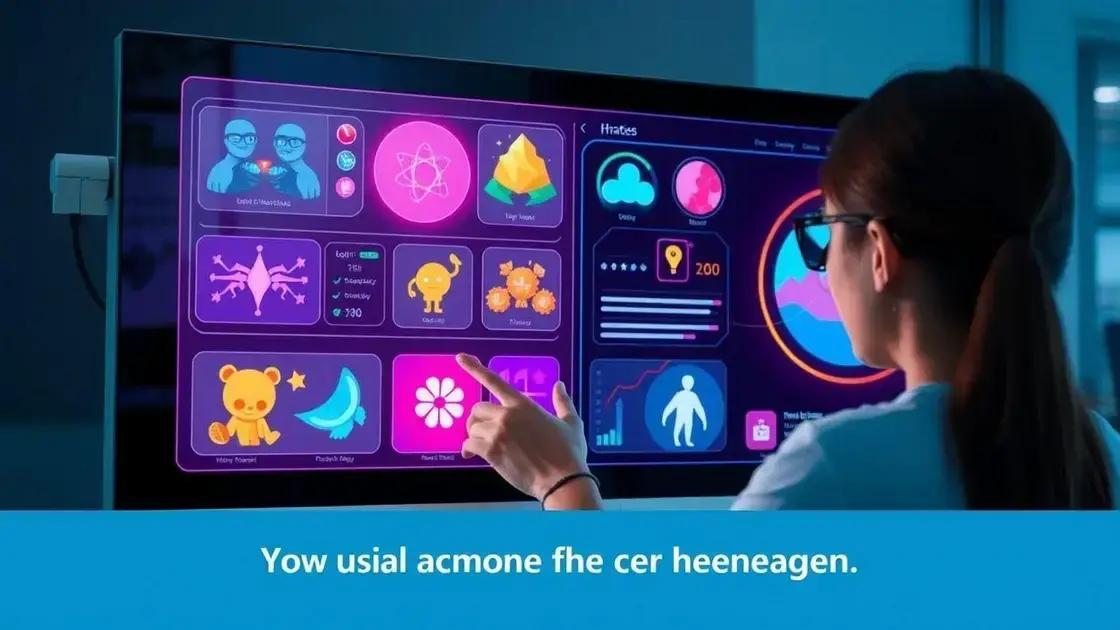
User engagement is vital in today’s digital landscape, and visual interactions play a key role in fostering this engagement. When users have a visually appealing experience, they are more likely to interact meaningfully with the content.
The Power of Visuals
Humans are naturally drawn to visuals. Integrating visual elements, such as icons, animations, and graphics, can capture attention quickly. This enhances the user’s focus and makes complex information easier to digest.
Interactive Graphics
Interactive graphics encourage users to participate actively. Features like clickable buttons or sliders allow users to control their experience. This level of interaction increases retention and promotes a sense of ownership over the content being consumed.
Immediate Feedback
Visual interactions provide immediate feedback that helps users understand their actions. For example, if a user makes a selection, an animation can illustrate that choice. This reinforces the user’s behavior and improves the overall experience.
Emotional Connection
When visuals evoke emotions, they can create a stronger connection between the user and the content. Emotional engagement leads to higher user satisfaction and a greater likelihood of returning to the platform. Using relatable images or colors can enhance this emotional appeal.
Enhanced Learning
Visual interactions not only engage users but also enhance their learning. Incorporating infographics or video elements aids in understanding complex ideas. This can lead to a more enriching experience, driving users to explore further.
Getting started with Microsoft Copilot: A practical guide
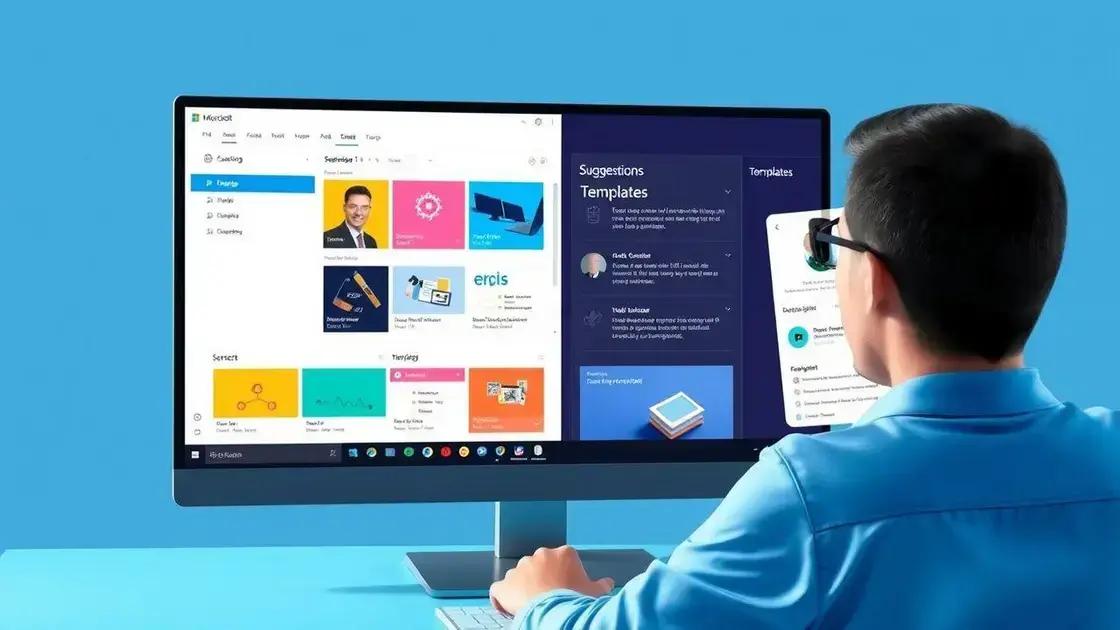
Starting with Microsoft Copilot is easier than you might think. This practical guide will help you set up and use Copilot effectively to boost your productivity and enhance your workflow.
Step 1: Install Microsoft 365
To access Microsoft Copilot, you need to have a subscription to Microsoft 365. Ensure that your account is active and has the necessary access to the Microsoft apps where Copilot operates.
Step 2: Open Your Preferred Application
Copilot works with various Microsoft applications such as Word, Excel, and PowerPoint. Open any supported app to begin using Copilot. You will see the Copilot icon, usually located in the toolbar.
Step 3: Familiarize Yourself with Copilot’s Interface
Once you access Copilot, take a moment to explore its user-friendly interface. The sidebar will display options and suggestions based on your current task. This will help you understand how Copilot can assist you with your specific needs.
Step 4: Start Interacting
Begin by typing a task or question in the Copilot input field. For example, if you’re drafting a document, you could ask Copilot to generate an outline or suggest content ideas. Interact with the assistant to see real-time suggestions.
Step 5: Utilize Templates and Suggestions
Microsoft Copilot offers various templates and suggestions tailored to your work context. Use these resources wisely to create professional documents or presentations quickly. Experiment with different prompts to see what works best for you.
Step 6: Gather Feedback and Refine
After using Copilot for a while, evaluate its suggestions and responses. Collect feedback on what you find useful or areas that need improvement. This will help you adapt your prompts and get the most out of Copilot.
In conclusion, embracing Microsoft Copilot
Using Microsoft Copilot can greatly enhance your productivity and make daily tasks easier. With its user-friendly features and real-time suggestions, Copilot helps streamline your workflow.
By following the steps outlined in this guide, you can quickly get started and make the most of this powerful tool. Remember to interact with Copilot and refine your use based on your needs.
Ultimately, integrating Copilot into your routine can open doors to new possibilities, helping you achieve your goals more efficiently.
FAQ – Frequently Asked Questions about Microsoft Copilot
What is Microsoft Copilot and how does it work?
Microsoft Copilot is an AI-powered assistant that helps users with tasks across various Microsoft applications by providing real-time suggestions and interactive features.
Do I need a subscription to use Microsoft Copilot?
Yes, a subscription to Microsoft 365 is required to access Microsoft Copilot and its features.
How can I get started with Microsoft Copilot?
To get started, install Microsoft 365, open a supported application, and familiarize yourself with Copilot’s interface for easy interaction.
Can Microsoft Copilot enhance my productivity?
Absolutely! Copilot streamlines tasks by offering suggestions and templates, allowing you to complete work more efficiently.
Is Microsoft Copilot suitable for beginners?
Yes, Microsoft Copilot is user-friendly and designed to assist users of all skill levels, making it easy for beginners to get started.
What are the benefits of using visual interactions in Copilot?
Visual interactions enhance user engagement by providing immediate feedback, making tasks more intuitive and enjoyable, and improving overall learning.

 Windows 11: Discover How to Remove Pre-installed Microsoft Store Apps
  Windows 11 Reigns Supreme: Why Upgrading is Crucial Now
  Windows 11: Optimize Your PC with a Simple Debloat Script
Ugh, anyone else always forgetting their 66win login? Seriously need to write this down somewhere. Getting logged in is half the battle! 66win login
Another variation on Friv, maybe? Anyway some basic games on frivc. Give it a look.
Okay, so the 1 win aviator predictor… is it even possible to predict that thing? What’s the secret sauce? 1 win aviator predictor
I had some trouble accessing my account before, but this login page is super fast and reliable. Great service, just use khela888login to get started quickly.
The gameplay here is just top notch. I had a few questions and the support team handled them quickly. Big thumbs up for br3333br for the great service!
Really impressed with the game variety. Everything loads quickly and the graphics are top notch. br52betwin is definitely my new go-to spot.
I’ve been playing here for a week and the loading speed is impressive. Super smooth experience so far! Check it out at 58jilicomlogin
The local support is top notch and they actually answer your questions quickly. It makes the whole experience much better. Give phjljl72 a try.
Love the atmosphere here. It feels like a real casino from the comfort of my own home. Everything is legit and transparent. Check out br3fcassino for some great action.
The VIP treatment here is actually legit. Better rewards and more exclusive events than other sites I have used. Join 2q88vip for the best perks.
The jackpot opportunities here are insane. I’ve tried many sites but the vibe at bdak777 is just different and more rewarding.
I really enjoy the community vibe here. Everyone is friendly and the rewards are actually attainable. Big thanks to vn168fgame for the great time.
I’ve been trying a few different sites lately and this one really stands out. The games load fast and the payouts are legit. Definitely my new favorite spot for spinning pk44slots.
Finally found a platform that actually treats players right. The bonuses are generous and the support team is very helpful. Give phcrown44ph a try.
Great selection of games and the promotions are actually useful. It is my go-to spot for some weekend fun. Try 291jiliph if you want a reliable site.
I feel like my luck has actually improved since I started playing here. The bonuses are generous and the graphics are top notch. It is a total win for me. Visit hoki69slot and see for yourself!
Logging in is a breeze and the platform is incredibly responsive. I appreciate the transparency with the odds and the quick updates. Always glad to use 199winbetlogin.
Very informative post, the part about capsule wardrobes was written in plain language, exactly what I was looking for.
Finally found a site that doesnt lag during peak hours. The login is quick and everything just works perfectly. sanur999login
I appreciate the security measures here. I feel safe depositing my funds and the login process is very secure on 1xbetcomlogin
Very user friendly layout and the promotions are actually worth it. I feel lucky whenever I log in here. Check out luky97login
Best experience I’ve had in a while. The payouts are fast and the games are super addictive. Check out slotayam11 if you want some real action.
A very professional setup with transparent terms and conditions. I feel safe depositing my funds here knowing everything is legit. Cheers to idboga88.